Dashboard
Your at-a-glance view of sending activity and audience health.
The dashboard is your home screen in Sendra. It shows key metrics and recent activity at a glance.
What you see
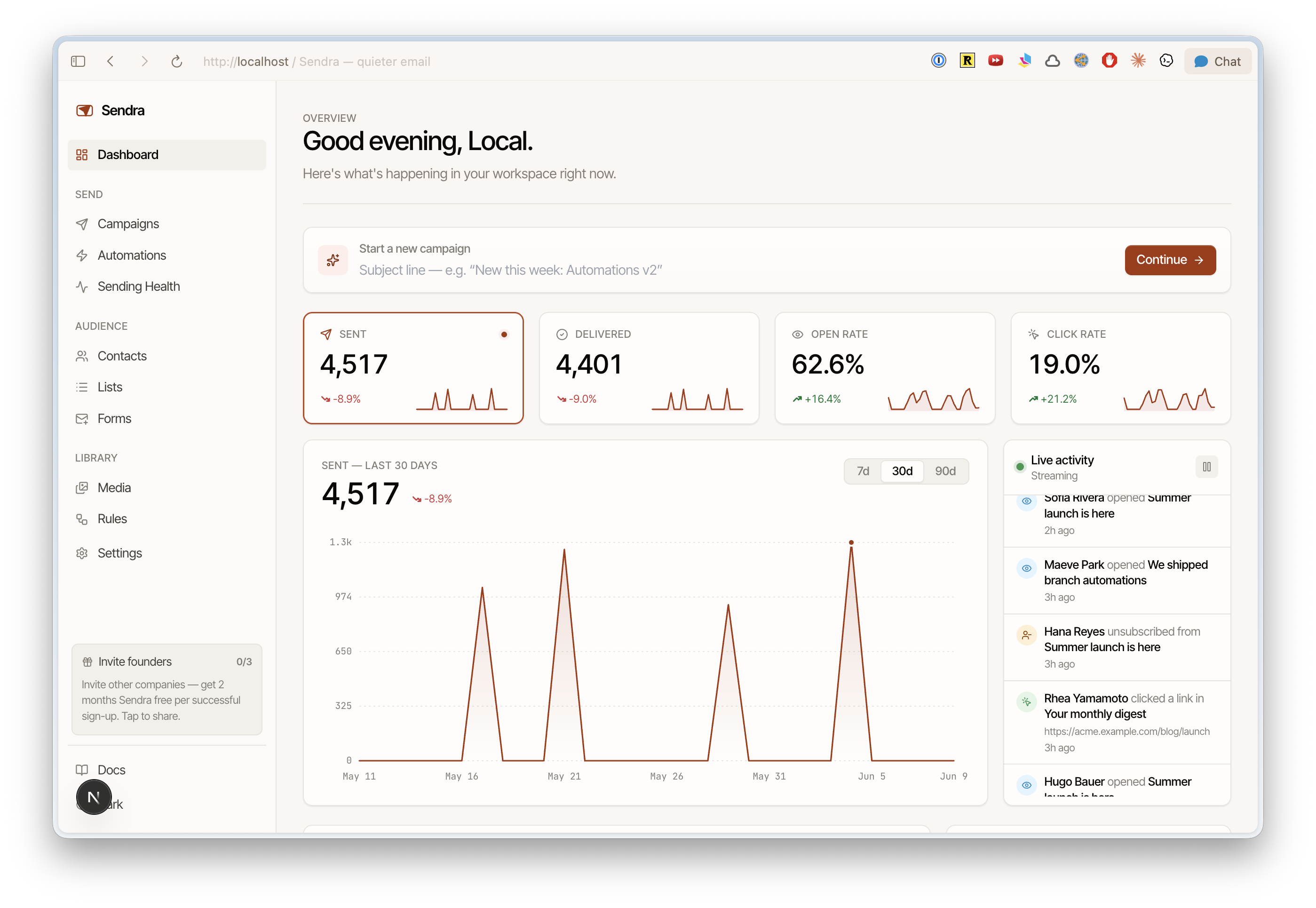
Recent campaigns
Your most recently sent campaigns with key metrics:
- Subject line
- Send date
- Recipients
- Open rate
- Click rate
Click any campaign to jump to its full report.
Audience overview
- Total contacts — how many contacts are in your workspace
- Recent growth — new contacts added recently
- List breakdown — contacts per list
Using the dashboard
The dashboard is designed for a quick health check. For deeper analysis, use:
- Campaign reports for per-campaign metrics
- Analytics for event-level detail
- The AWS SES console for infrastructure-level sending stats