Signup forms
Create hosted signup forms to grow your email list.
Sendra includes built-in signup forms. Use Sendra's hosted form page, or embed a form on your own website.
Creating a form
- Go to Forms → New Form
- Configure the form settings:
- Name — internal name for your reference
- Slug — the URL path for the hosted version (e.g.,
/f/newsletter) - Target list — which list new subscribers are added to
- Double opt-in — whether to require email confirmation
Hosted forms
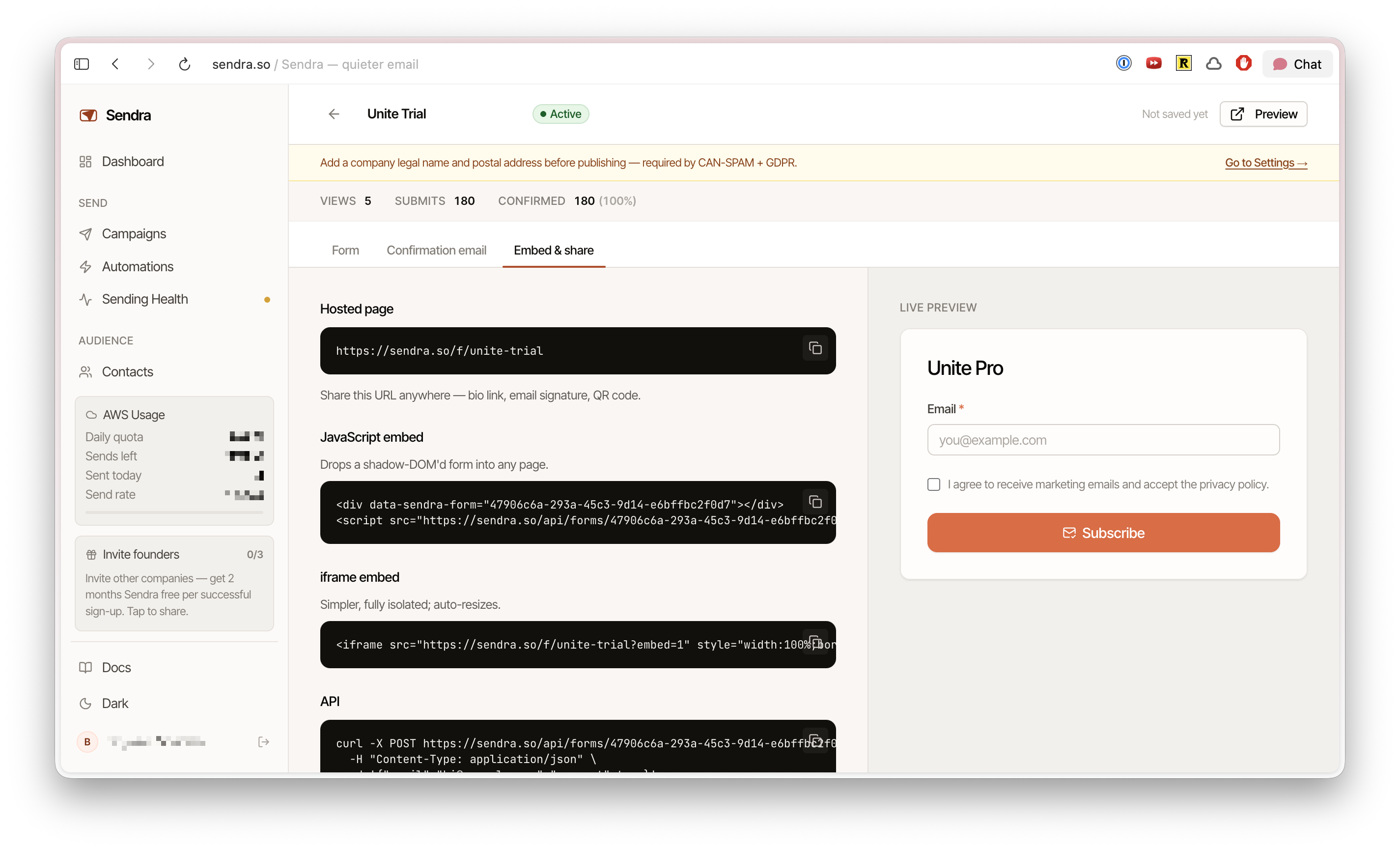
Every form gets a hosted page at /f/[slug]. Share this URL directly or link to it from your website, social media, or landing pages.
The hosted page uses your workspace branding (logo, colors) for a consistent look.
Form fields
By default, forms collect an email address. You can add additional fields for:
- First name
- Last name
- Custom properties
After submission
When someone submits a form:
- Their email is checked against the blocklist — blocked addresses are silently rejected
- If double opt-in is enabled, a confirmation email is sent
- A contact is created (or updated if the email already exists)
- The contact is added to the form's target list
- The submission is logged for your records